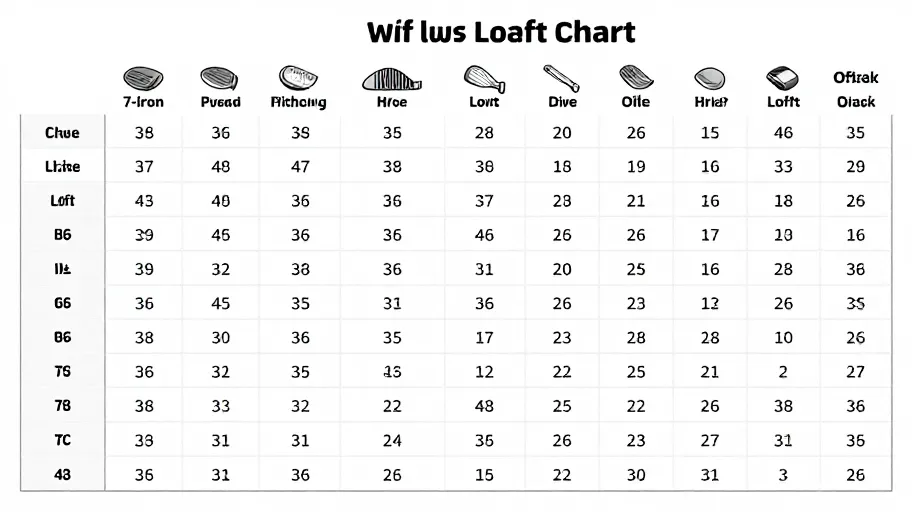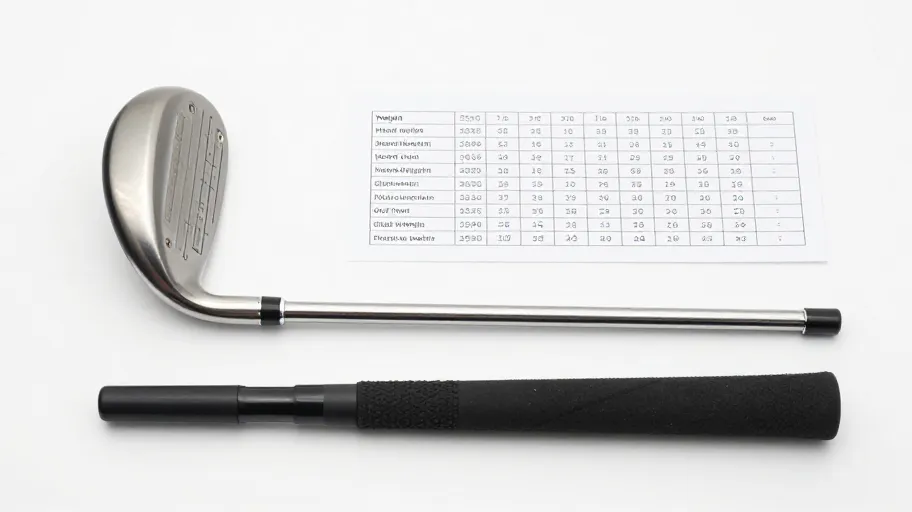
A golf club weight chart is a reference table that organises component weights — head, shaft and grip — so you can compare replacement or tuning parts against the specification of the club family and model you are working on. To use one well, read each row against the exact component category it describes, convert all figures to a single unit system, and confirm with the supplier how each value was measured and what tolerance applies. A chart informs selection; it never substitutes for a sample you have measured and approved yourself.
This guide walks through the SWAP-Check framework — Specification, Weight band, Application, Proof — a repeatable way to turn any weight chart into a documented sourcing decision.
What a golf club weight chart actually measures
Weight charts for golf components tend to bundle several distinct measurements into one table, and mixing them up is the fastest route to a wrong order. Before comparing anything, separate the chart into four reference categories:
- Head weight — the mass of the club head alone, before shaft, grip, adapter or epoxy. Relevant when you are replacing or adjusting a head, or re-weighting an existing one via screws or ports.
- Shaft weight — the mass of the cut or uncut shaft, which the supplier must state explicitly, because a raw shaft and a trimmed shaft are different numbers.
- Grip weight — the mass of the grip as supplied, before tape and installation.
- Assembled swingweight — a balance-scale reading of the finished club. This is not a component property. It depends on how head, shaft, grip and build length combine, so it cannot be read off a component chart.
The key discipline: identify which of these four a chart row refers to before you use it. If the chart does not say, that is a question for the supplier, not an assumption.
The SWAP-Check framework
Use SWAP-Check every time you consult a weight chart for a component decision:
- S — Specification. Write down the brand, family, model, generation and connection interface (hosel diameter and depth for shafts; bore type for heads) of the club you are matching. A weight number without a model context is not a specification.
- W — Weight band. Locate the chart row for your component category and read the stated band, not a single point. Ask what tolerance applies to the band and how it is verified — by per-piece measurement, batch sampling, or neither.
- A — Application. Ask how the weight interacts with your goal: matching an original feel, shifting balance, or accommodating a build length change. Two components with identical weight can produce different assembled feel depending on balance point and installed length.
- P — Proof. Before approving a batch, request a sample, measure it on your own scale, document the reading, and compare it to the chart value you were quoted. Approval rests on the sample you measured, not the chart you read.
Decision table: matching chart values to your component job
| Your job | Chart field to read first | Second check | Question to send the supplier |
|---|---|---|---|
| Replace a driver or wood head | Head weight for the exact model | Weight-screw or port options and their mass | "What is the head weight for this exact model and generation, and what tolerance do you verify per piece?" |
| Replace a shaft | Shaft weight, cut vs uncut stated | Balance point and trim instructions | "Is the quoted shaft weight raw or trimmed to my playing length, and how is it measured?" |
| Replace grips | Grip weight as supplied | Core size and stated build-up effect of tape | "What grip weight do you document per SKU, and does it include any core insert?" |
| Re-weight an existing head | Chart of available weights for the model's weight system | Compatibility of screws/ports with your head generation | "Which weight options are documented as fitting this exact head model, and how do you verify fitment?" |
| Rebuild to a target swingweight | None directly — component weights only | Combine head, shaft, grip and length in your own build sheet | "Can you supply measured weights for the sample components so I can model assembled swingweight before committing?" |
No row above asserts that any listed product fits any listed model. Fitment is a fact to verify per SKU, per generation, before ordering.
Sample and approval questions
When you move from chart to purchase, send the supplier a written question set and keep the replies on file:
- What sample policy applies to this component — availability, cost and shipping terms — as of today? (Confirm the current policy directly; do not rely on any prior understanding.)
- What is the documented weight and tolerance for the exact SKU, and how is it verified?
- Is the weight stated for the raw component or the installed/trimmed configuration?
- Which models, families and generations does the supplier document this component as fitting, and on what evidence?
- What is the process if a delivered component does not match the documented specification? (Confirm current policy directly; terms vary and must be read, not assumed.)
- Can the supplier attach per-sample measured weights with each shipment for verification on receipt?
Approve only against written answers and a sample you have measured yourself.
Component weight documentation checklist
Use this checklist for every sourcing round:
- Brand, family, model and generation of target club recorded.
- Component category identified (head, shaft, grip, weight part).
- Chart row read as a band with stated tolerance, not a point value.
- Unit system unified (all grams or all ounces) across every quote compared.
- Shaft weight clarified as raw or trimmed to playing length.
- Grip weight clarified as supplied, before tape.
- Sample requested; current sample and shipping policy confirmed directly.
- Sample measured on your own scale; reading documented.
- Fitment to the exact model confirmed in writing, not inferred.
- Approval decision recorded with date, sample reading and supplier response.
Frequently asked questions
Does a heavier shaft always make the club feel heavier? Not deterministically. Assembled feel depends on total mass, its distribution along the club, and build length. Use shaft weight as one input to a build sheet, then verify with a sample build rather than predicting from the chart alone.
Can I read swingweight directly from a golf club weight chart? No. Swingweight is a property of the assembled club. A component chart gives you inputs you can model with, but the final reading belongs to the finished build. Ask the supplier for measured component weights so you can model the result before ordering a batch.
How do I compare two suppliers whose charts look different? Normalise them. Build one internal template with the same fields — component category, weight value, unit, tolerance, measurement method, model compatibility evidence — and transfer every quote into it. Compare like fields, then request a sample from each candidate and compare measurements, not marketing.
How many samples should I measure before approving a batch? That is a policy decision for your project. Ask the supplier what verification they perform per piece or per batch, decide what additional sampling your project requires, and record both in your approval file.
What if the delivered weight differs from the chart value? Refer to the documented tolerance you obtained in writing before ordering, and to the supplier's current policy on discrepancies, which you should confirm directly at the time of ordering. Your measured sample readings are the evidence base for any resolution discussion.
Next step
获取采购 Brief — request the sourcing brief to structure your component specification, sample plan and approval questions before your next order.
If you are not ready for that, start with the low-friction option: download the component weight documentation checklist above and run it against one current project. A completed checklist is the shortest path to a defensible approval decision.
Master Your Swing, DIY Your Fit. DIY Golf is the premier destination for the technical golfer. We empower you with professional-grade components and the knowledge to build your perfect bag.