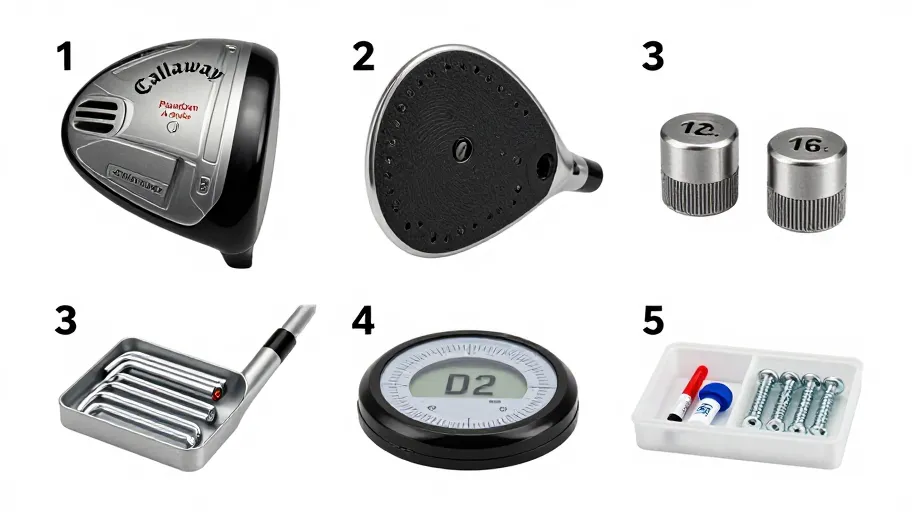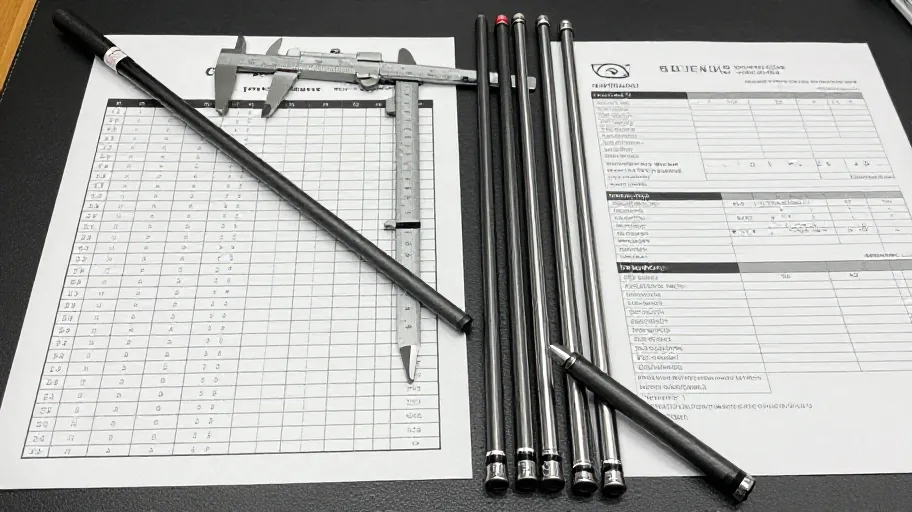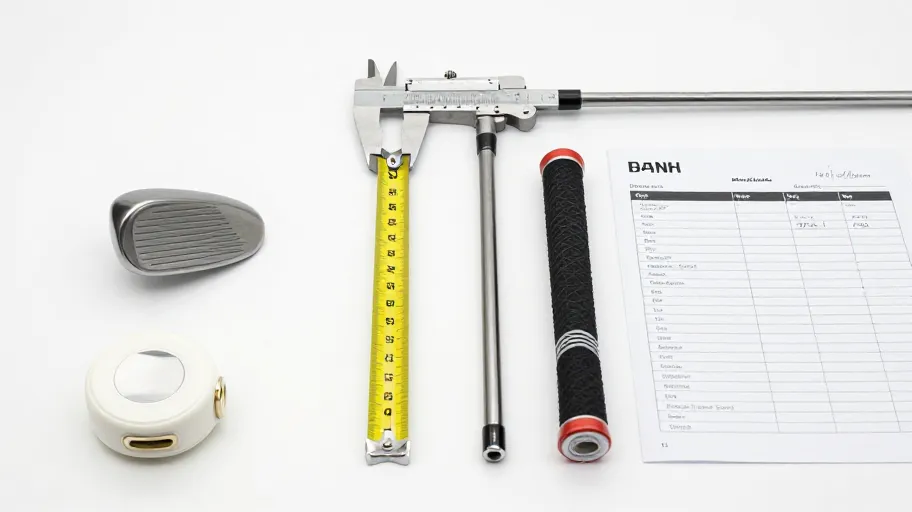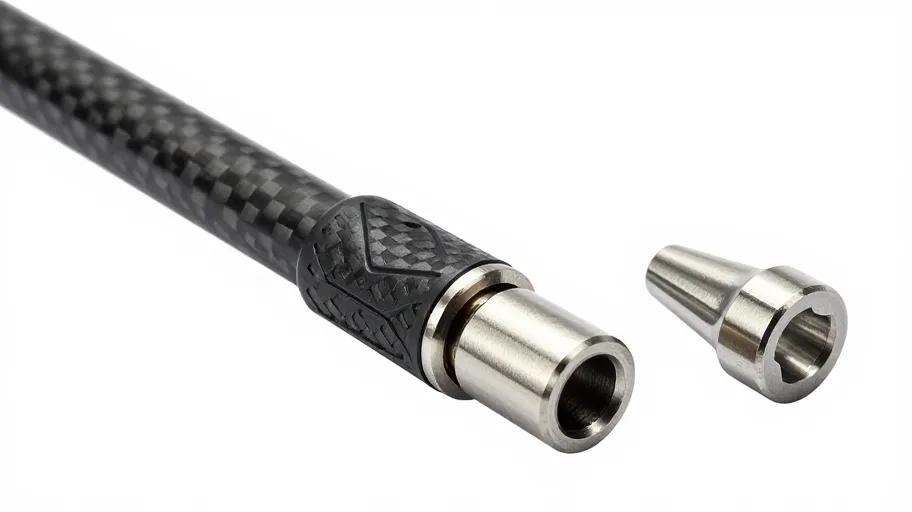
A golf shaft sleeve adapter must match on four fronts before you order: the club's brand, the family within that brand, the generation or model year of the head, and the physical interface between sleeve, shaft tip and hosel. Most rework traces back to one of those four checks being skipped — the sleeve arrived fitting the shaft but not the head, or the head but not the shaft. Verify all four against a current fitment reference, document them, then approve the order.
Why a golf shaft sleeve adapter causes rework
A sleeve adapter looks like the smallest part of a build. It is also the only part that has to satisfy two different components at once: the shaft on one end and the club head on the other. When a specification gap appears anywhere in that chain, the failure mode is not obvious at unboxing. It appears at assembly, or worse, at the torque wrench — after epoxy, after prep, after the old adapter has been cut off. That is what makes adapter selection a rework risk rather than a simple reorder.
The gaps cluster in four places:
- Naming gaps. One club family name can span multiple adapter generations. A sleeve listed under the family name may not match the specific head you hold.
- Interface gaps. The sleeve's external geometry must match the hosel, and its internal bore must match the shaft tip. Buyers verify one side and assume the other.
- Setting gaps. Adjustable sleeves encode loft and face-angle positions. Even a physically fitting sleeve can deliver unexpected settings if the adjustment scheme differs from the head's design.
- Documentation gaps. Assumptions held in memory ("this is the 2019 version") replace recorded model identifiers, and the wrong generation gets ordered.
None of this is about part quality. It is about verification discipline — the same discipline a professional buyer applies to any component with a two-sided interface.
The MFGI verification framework
Before ordering any golf shaft sleeve adapter, run the Model–Family–Generation–Interface check in order. Each step narrows the field; skipping ahead is where rework begins.
1. Model. Identify the exact club model as printed or marked on the head itself, not the model you remember buying. Markings can differ from marketing names across regions and releases. Photograph the marking if you cannot read it cleanly.
2. Family. Confirm which family the model belongs to. Families matter because fitment references and selector tools are organised around them, and sibling models within a family can share — or not share — an adapter. Never infer family from driver loft alone.
3. Generation. Establish which generation or revision of the model you have. Where a model name was reused across release cycles, this is the single most common ordering error. If you cannot determine the generation from the head, treat that as an open question for the retailer, not a guess.
4. Interface. Only after 1–3 are pinned down, confirm the physical interface on both sides: sleeve-to-hosel externally, and sleeve-to-shaft-tip internally, including your shaft's tip diameter and prep length. A sleeve that matches the head but not your shaft is still the wrong sleeve for your build.
Run MFGI in that order because each step constrains the next. Checking the interface first, against a sleeve you have not yet tied to a generation, produces a confident answer to the wrong question.
Decision table: order, verify, or stop
| Situation | MFGI status | Recommended action |
|---|---|---|
| Model, family, generation and both interface sides confirmed against a current fitment reference | All four verified | Proceed to order; keep documentation with the build record |
| Family and model confirmed; generation uncertain | Steps 1–2 verified, 3 open | Verify generation in the fitment selector or with the retailer before ordering |
| Head-side fit confirmed; shaft tip specs not documented | Step 4 half-verified | Measure or source the shaft's tip diameter and prep length; record them; then decide |
| Sleeve listed under family name only, no generation stated | Steps 2–3 ambiguous | Stop; request the specific generation coverage before ordering |
| Adapter sourced second-hand with no generation labelling | Multiple steps open | Stop; treat as unverifiable unless a current reference confirms it |
| Adjustable settings on sleeve differ from head's scheme | Step 4 verified physically, setting logic unconfirmed | Verify the adjustment mapping before relying on loft/face settings |
Approval questions to confirm before you order
Put these to the retailer or supplier — in writing — and keep the answers with your build file:
- Does this golf shaft sleeve adapter confirm fitment for my exact model, family and generation, as I have documented them — not just the family name?
- Which shaft tip diameters and prep lengths does this sleeve accept, and does that match the shaft I am building with?
- If the model has revision variants, how does your listing distinguish them, and which revision does this part serve?
- What is your current policy on returns or exchanges if the sleeve does not fit the documented configuration? (Confirm current terms directly; do not rely on assumptions.)
- Are installation torque values and any adhesive guidance supplied with the part, and where do I confirm them for this specific adapter?
Pre-order documentation checklist
- Photograph of the club head's model marking, saved to the build file
- Family and generation recorded, with the source of that identification noted
- Shaft tip diameter documented (from shaft specification, not memory)
- Shaft prep length documented
- Fitment selector result screenshot or reference number retained
- Written confirmation of fitment from the retailer, if any ambiguity existed
- Current return/exchange policy captured at the time of order
This checklist takes minutes. A rework cycle — cutting off an installed adapter, re-prepping a shaft, re-ordering — takes far longer. Builders who keep this file also answer future fitment questions about their own clubs without repeating the research.
FAQ
How do I know which golf shaft sleeve adapter generation my club needs? Start from the head: read the exact model marking, then confirm family and generation in a current fitment reference. If two generations share a name and you cannot distinguish them from the head itself, ask the retailer to confirm before you order rather than selecting by appearance.
Does the adapter need to match both the club head and the shaft? Yes. The sleeve has two interfaces: external geometry to the hosel and internal bore to the shaft tip. Verify both sides independently. Confirming only the head side is one of the most frequent causes of adapter rework.
Can I reuse my existing adapter when I change shafts? That depends on the adapter's condition, the new shaft's tip specifications, and how the original was installed — including whether removal damaged the sleeve. Confirm the new shaft's tip matches the sleeve bore, and inspect the sleeve before reusing it. If in doubt, treat it as unverified.
What should I record so future adapter orders are faster? Keep a per-club file: model marking photo, family and generation, shaft tip diameter and prep length, and the fitment reference you used. That file converts every future order for that club from research into confirmation.
Where a listing does not state the generation, should I order and check? No. An unstated generation is an open specification, not a detail to resolve after delivery. Ask for written confirmation of generation coverage first. Ordering on ambiguity is how sleeves that "fit the family" end up not fitting the head.
Confirm before you build
The cheapest rework is the one you prevent at order time. Run the four MFGI checks, complete the checklist, and only then approve the purchase.
Confirm your club model in the fitment selector — it is the single step that turns "I think this fits" into a documented answer for your exact head.
Master Your Swing, DIY Your Fit. DIY Golf is the premier destination for the technical golfer. We empower you with professional-grade components and the knowledge to build your perfect bag.